
In the launcher now
—
Minecraft Java Edition 26.3 / Rust client
A native Rust client for Minecraft: Java Edition, with a launcher built around getting you back into your world.
See how Horizon X compares with the standard client.
Horizon X · Community
Current counts include launchers that sent a heartbeat in the last 65 seconds. Peak counts are anonymous totals retained by the stats service and reset daily at 00:00 UTC for today’s peak.
Connecting to launcher activity…
Horizon X is a native Rust client for Minecraft: Java Edition 26.3. Its launcher prepares the game and manages installed versions; the Rust client handles the game window, input, world rendering, terrain loading and multiplayer.
The aim is to make familiar play feel responsive while keeping world saves on your device. Horizon X does not provide Minecraft game files; you need your own Java Edition account and local game resources. Performance and compatibility continue to be tested across hardware and worlds.
The launcher manages versions and returns you to your recent world. In Nightly, built-in tools include frame-time inspection, temporary graphics trials, pre-generation progress, bookmarks and distant views of terrain you have already explored.
Windows builds are playable today. Compatibility is still being tested, and support for mods through X API is experimental.
The current build is playable. These are the areas we’re working on next.
The game client is written in Rust. Performance and visual features are being refined.
Active developmentThe X API is experimental. Broader Forge and Fabric support is a work in progress.
ExperimentalOne place to install, manage, and launch Horizon X builds.
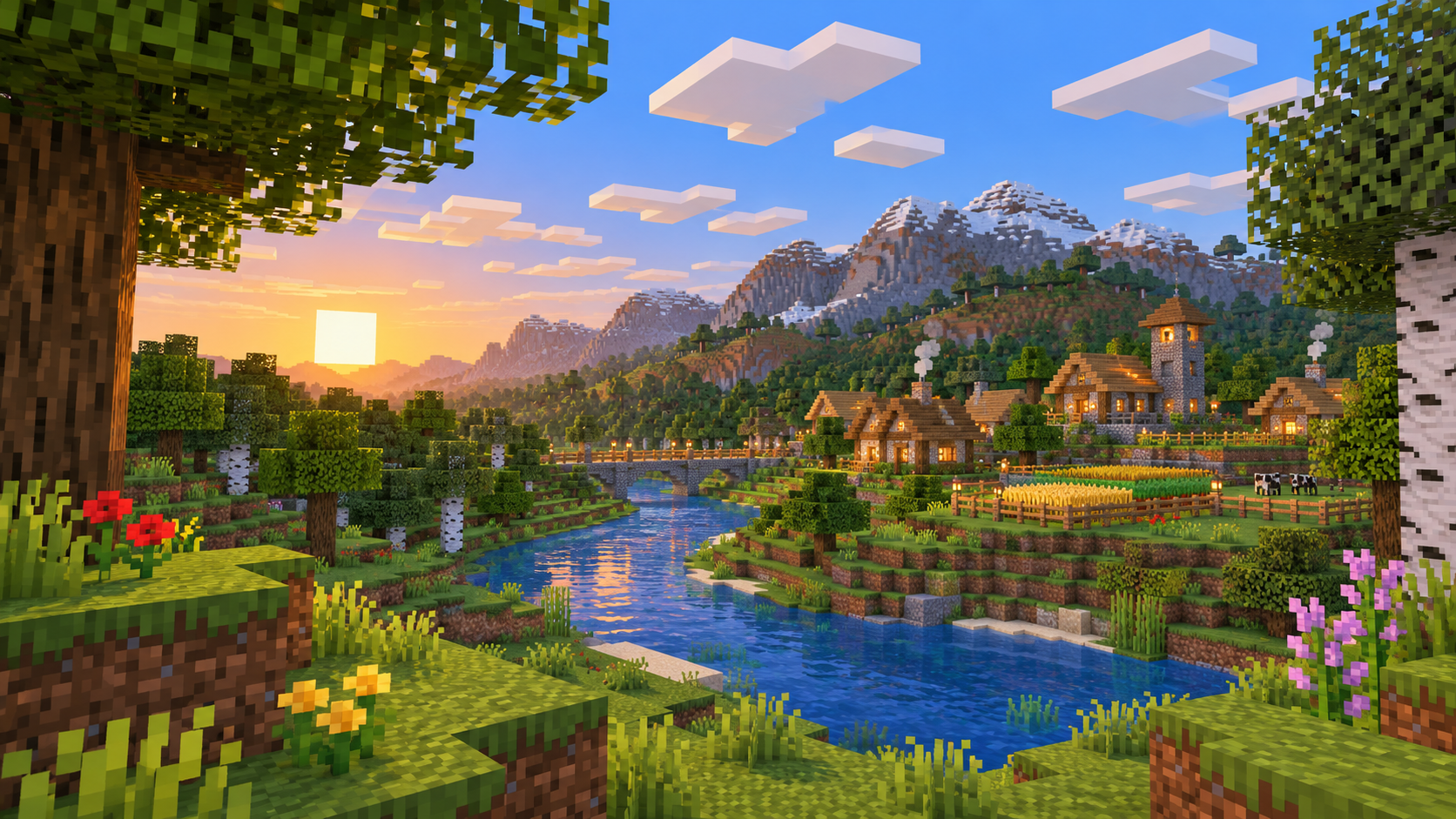
In developmentA voxel landscape created for the Horizon X website.
Horizon X adds practical controls around the game while preserving your local worlds and settings.
Open your most recently played world from Home, or browse world cards with thumbnails, mode, last played and size.
In launcher 0.1.59Use the in-game performance tools to inspect frame-time history and try temporary graphics presets before saving a change.
In NightlyTrack pre-generation progress, bookmark locations, and view saved distant terrain without inventing unexplored chunks.
In NightlyHorizon X · Release
The roadmap will change as testing uncovers issues. We’ll post progress in Discord.
Fix remaining issues and improve the launcher and game experience.
Bring in community testers and use their feedback to shape updates.
Develop the experimental modding layer as the core gets stronger.
Join the Discord for development updates, tester announcements, and a place to share feedback.